MCU Manager
A self-hosted web app that runs my whole microcontroller programming workflow: board detection, firmware projects, flashing, and serial monitoring.
The idea
KiCad Helper handles the board-design side of my hardware work. This app covers what happens when I receive the PCB and need to program it: detecting whatever board I've plugged in, finding the right firmware project, installing the libraries it needs, flashing it, watching the serial output, and keeping track of every board I've built. I wanted all of that in one browser tab instead of scattered across the Arduino IDE, a terminal, and my memory.
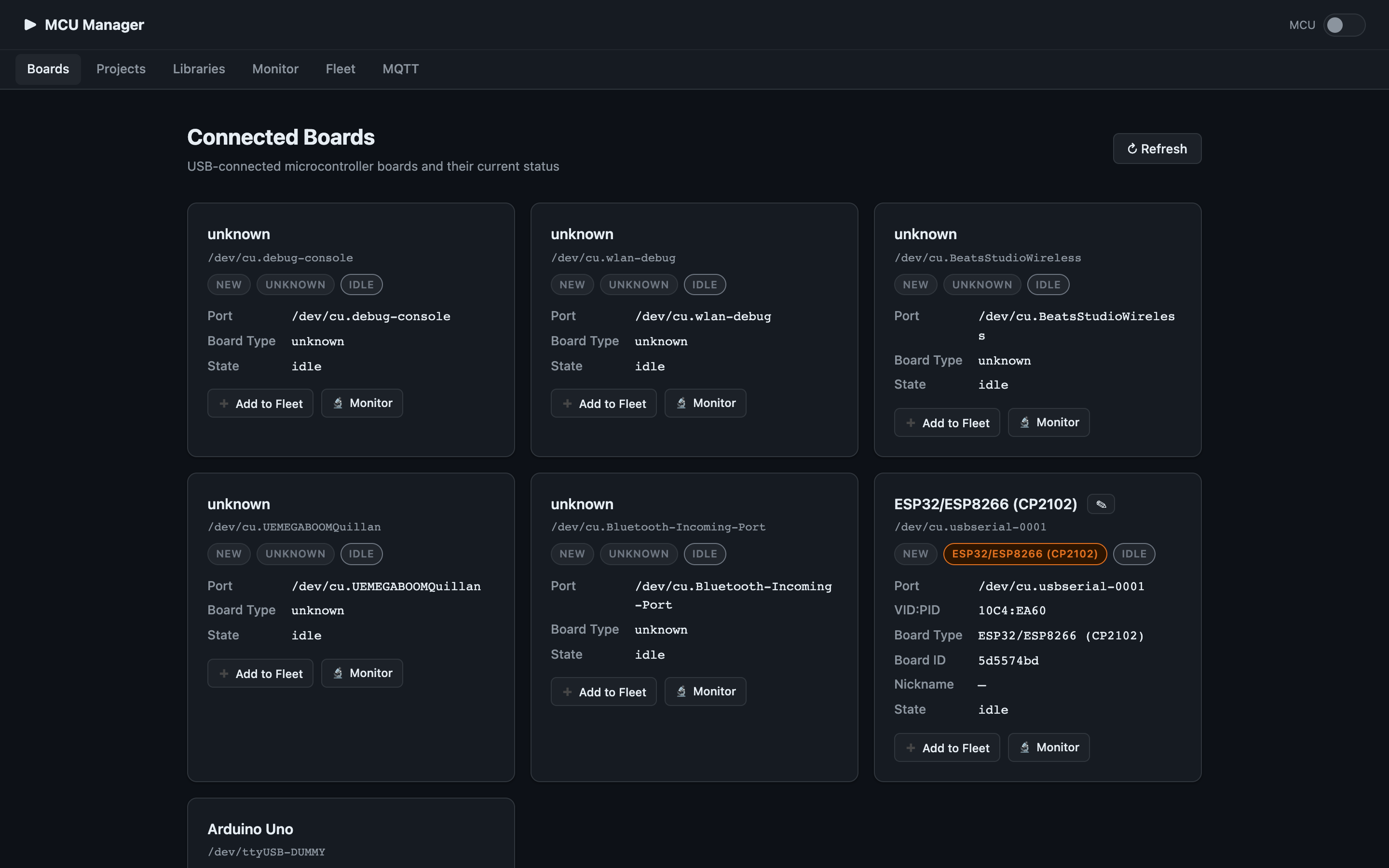
Detect connected boards
The Boards page scans USB serial ports and identifies what's plugged in. Each board shows its port, type, and live state, and can be monitored. Boards I've flashed are remembered by their hardware ID, so I can track which boards are running which firmware.
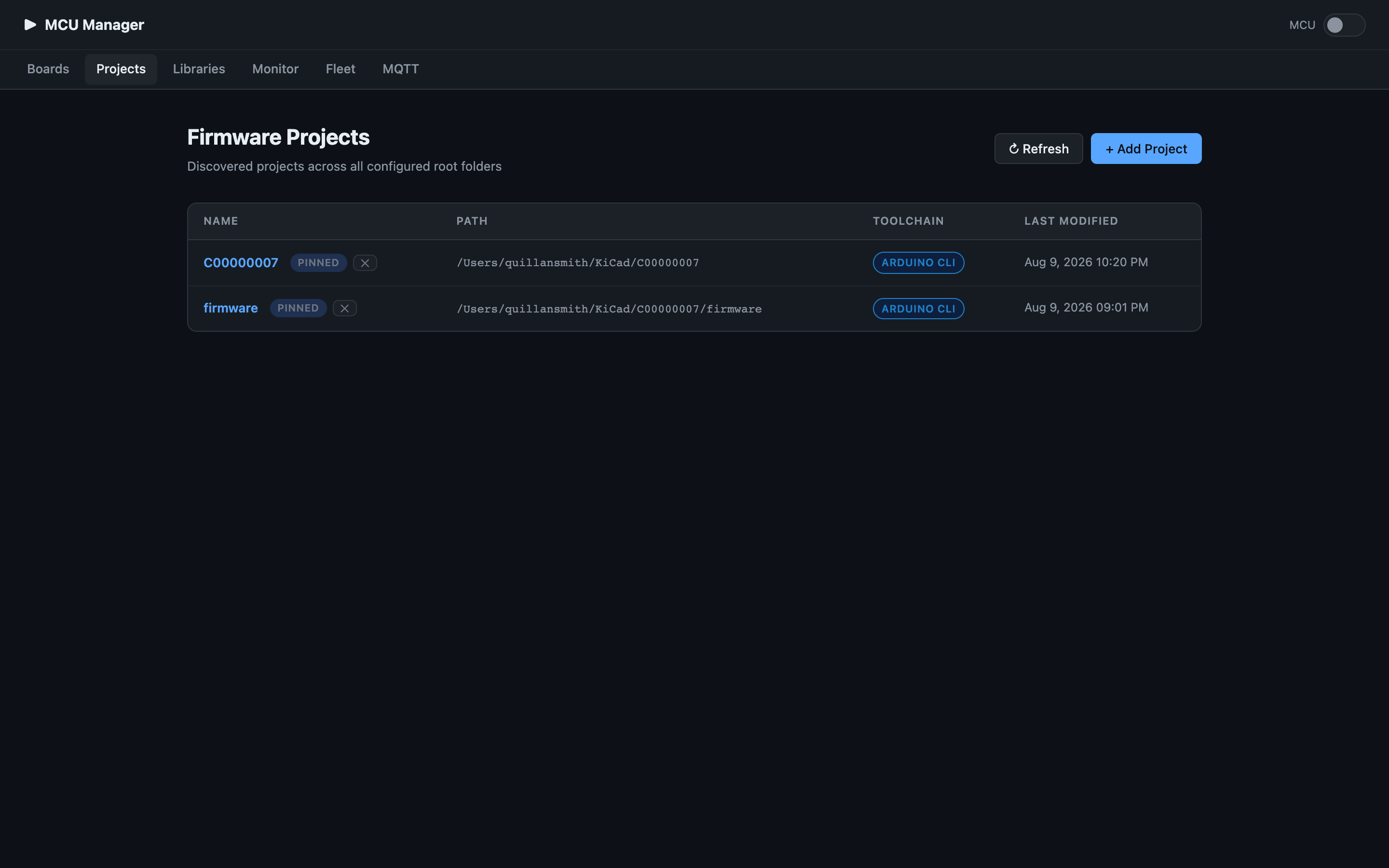
Discover firmware projects
It scans my configured project folders for firmware projects and lists them with their toolchain and contained sketches.
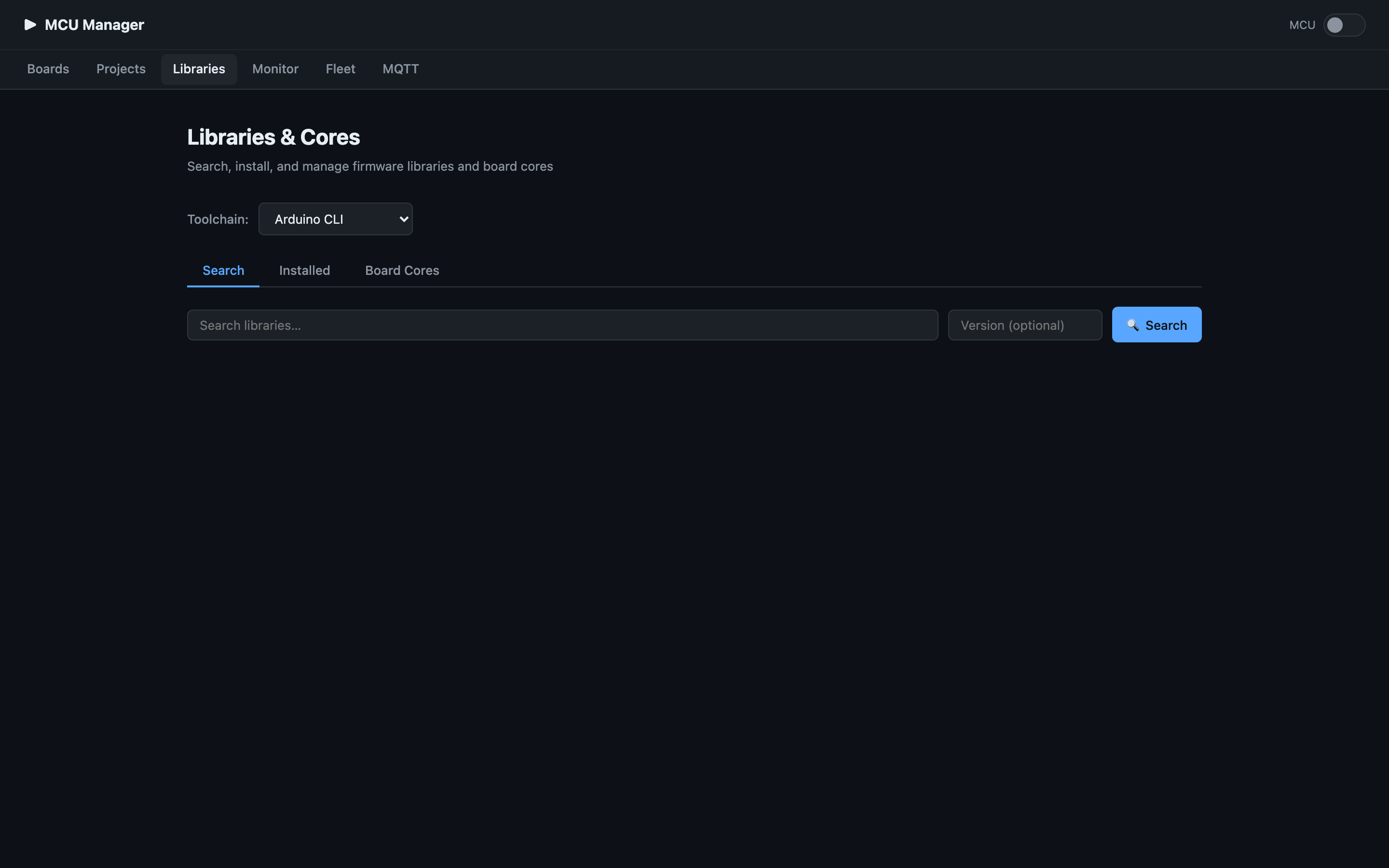
Manage libraries & cores
A library manager to search, install, and update libraries and board cores across toolchains.
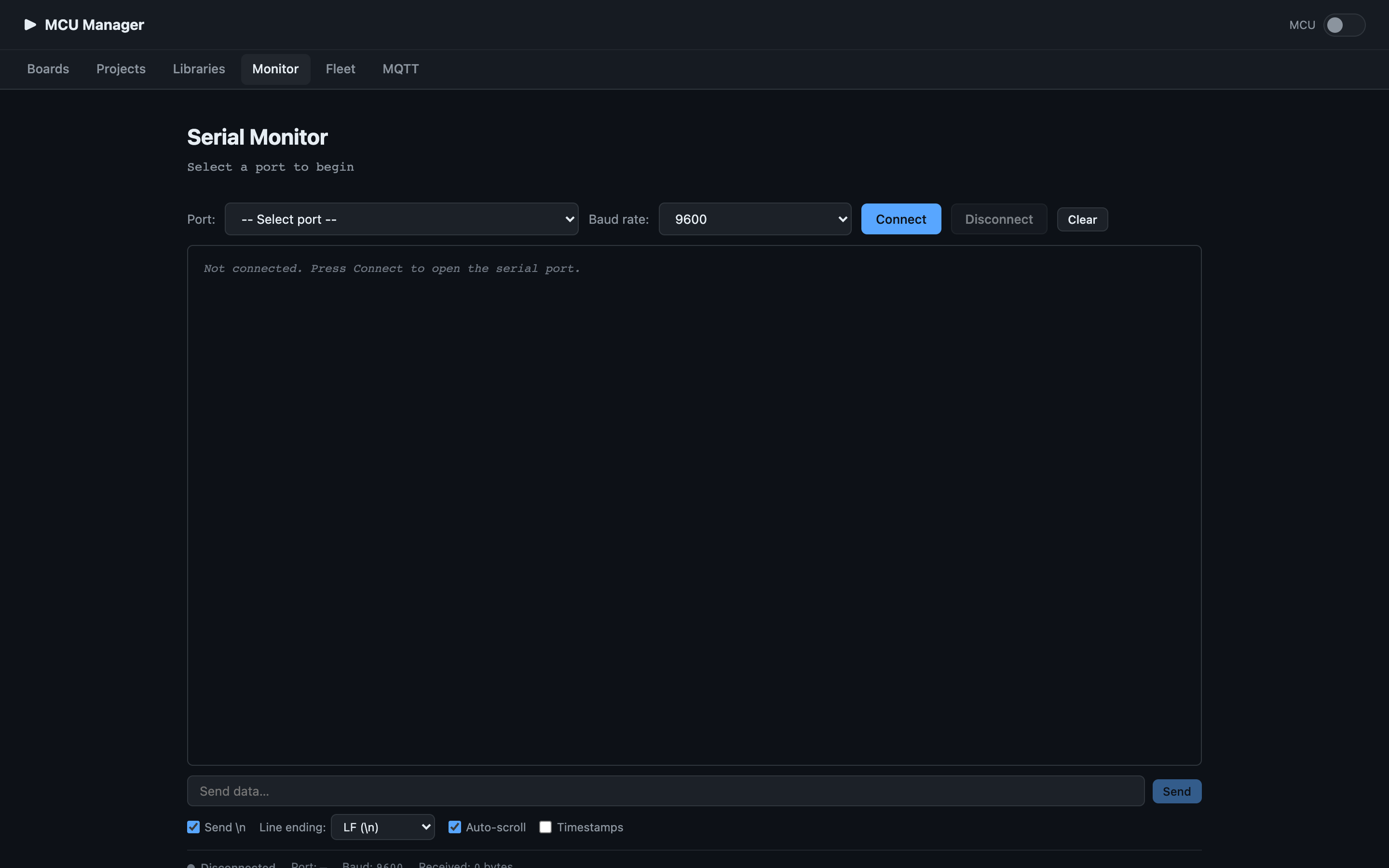
Flash & monitor
From a board or a project I can flash firmware, then jump to the serial monitor: pick a port and baud rate, stream output, send data with configurable line endings, and toggle timestamps.
Pi Manager mode
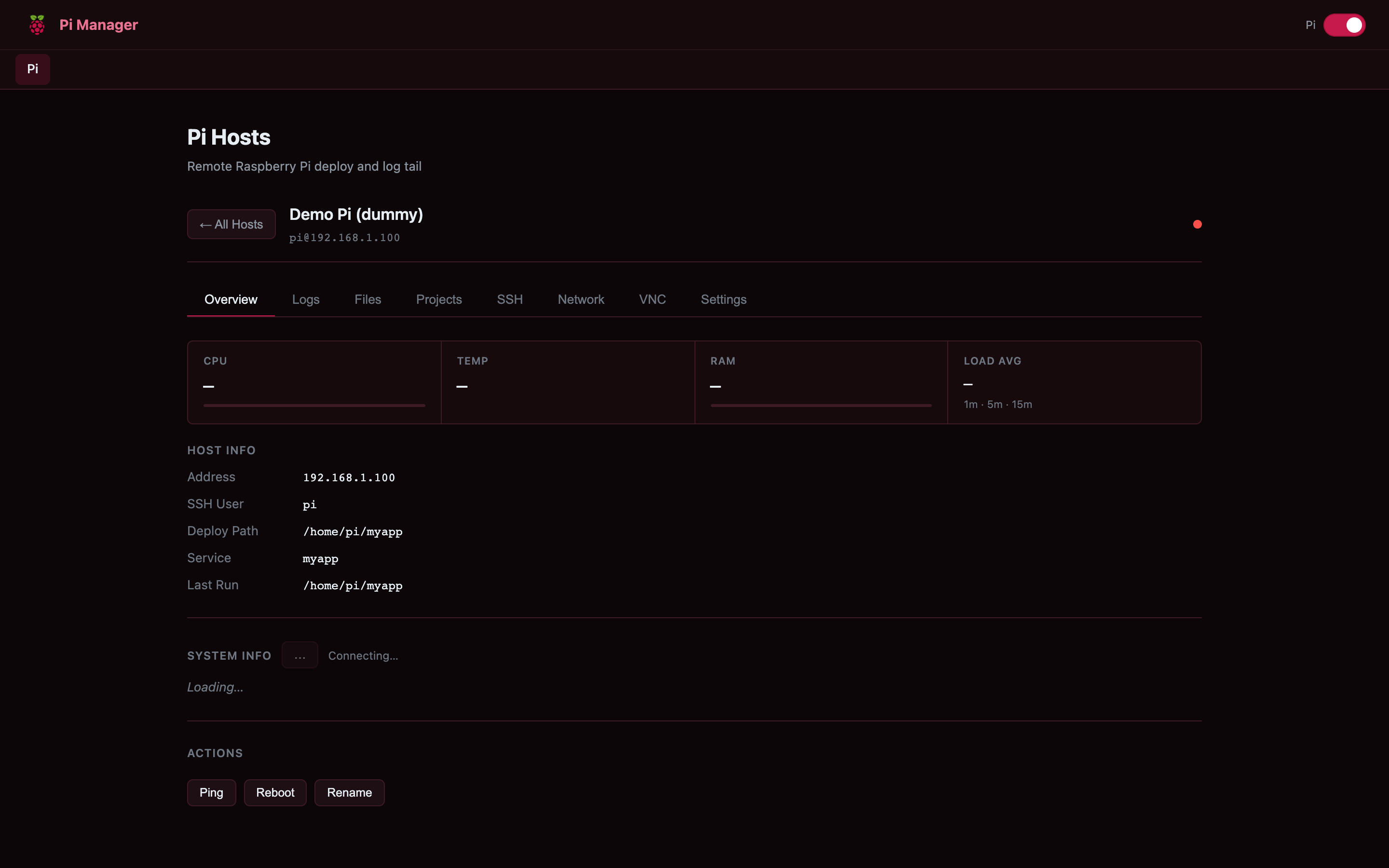
Flip a toggle and the whole app changes character, switching from MCU Manager into a Pi Manager for the Raspberry Pis I deploy code to. Same self-hosted app, a second mode: discover Pis on the network, then drop into a per-host dashboard to deploy, monitor, and manage each one.
Each host gets an overview with live CPU, temperature, RAM, and load, plus its address, SSH user, deploy path, and service. From the tabs I can tail logs, browse and upload files, manage projects, open an SSH or VNC session, check the network, and run maintenance actions like ping, reboot, or enabling the app to start on boot as a service, giving me remote deploy and log tailing without SSHing in by hand.
Takeaway
Paired with KiCad Helper, this closes the loop on my hardware design workflow: design the board in one tool, then detect, flash, monitor, and track it in the other.